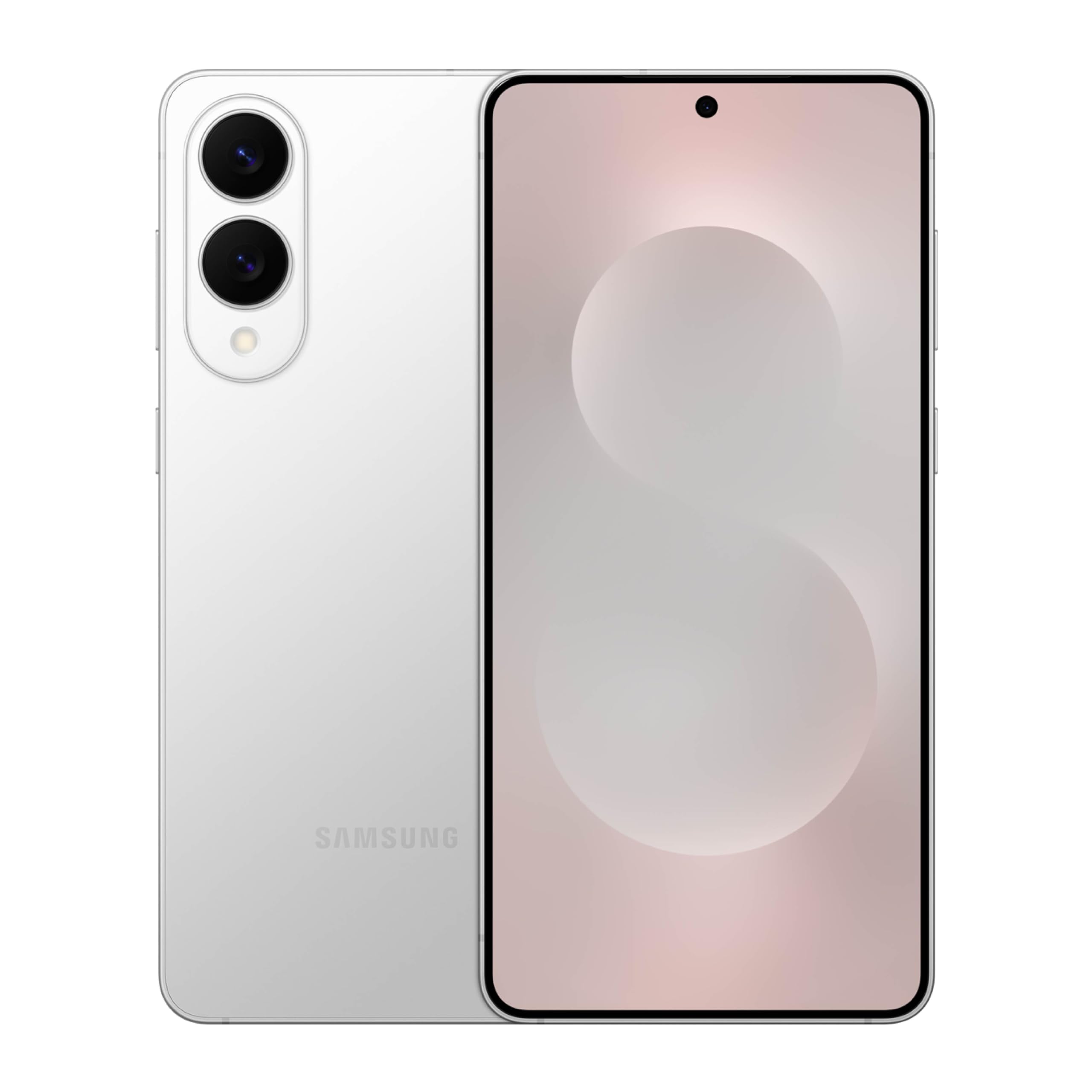
The Samsung Galaxy S25 Edge has all the same Galaxy AI features as the S25 Ultra—no compromises here. Let me walk you through what that actually means in daily use.
The stuff you'll probably use every day:
Circle to Search is surprisingly useful once you get the habit. See a pair of shoes you like in someone's Instagram photo? Just draw a circle around them and Samsung will find them. Same with plants, buildings, products, whatever. It's become a go-to for "what is that thing?" moments.
Writing Assist lives in the keyboard and actually helps with emails. It can adjust your tone (turn a curt message into something professional), fix grammar, or translate on the fly. The summary feature is great for condensing long articles.
The features that work in the background:
Now Brief is Samsung's version of a personal assistant. It learns your routine and proactively shows relevant info—weather for your commute, calendar reminders, local recommendations. It takes a week or two to get smart about your habits.
Audio Eraser is magic for cleaning up videos. Shot a video at a concert and it's all background noise? AI can identify the music versus the crowd noise versus people talking nearby, and let you dial each one up or down.
The camera-based AI:
You can point your camera at basically anything and ask questions. A restaurant menu in another language? It'll translate. A plant in your garden? It'll identify it. It works better than you'd expect.
One thing to know:
Most of this runs on-device for privacy, but some features need internet. And it all works through Samsung's Knox security system, so your data isn't getting sent to random servers.
We may earn a commission when you buy through these links, at no extra cost to you. How ShopSavvy makes money
How we researched this
Where this comes from: this answer draws on the product's published specifications and the reviews ShopSavvy collected for it, alongside prices from ShopSavvy's price data.
Considering the Galaxy S25 Edge?
Here's our "TLDR" Review
 Download ShopSavvy App
Compare prices across tens of thousands of stores, set price alerts, watch for deals by keyword, and much more.
 Install ShopSavvy Browser Extension
Compare and track prices automatically while you shop online at thousands of websites.
More Answers
If you're still curious about the Galaxy S25 Edge, here are some other answers you might find interesting:
- Who should buy the Samsung Galaxy S25 Edge?
Let me be honest about who the Samsung Galaxy S25 Edge is really for—because it's not for everyone, and that's okay. The S25 Edge is for you if: You've picked...
- What type of display does the Samsung Galaxy S25 Edge have?
The Samsung Galaxy S25 Edge has a beautiful 6.7-inch Dynamic AMOLED 2X display. Let me break down what that actually means in everyday use. The basics: It's a...
- What storage options are available for the Samsung Galaxy S25 Edge?
The Samsung Galaxy S25 Edge comes in two storage sizes: 256GB at $1,099 and 512GB at $1,219. Both have 12GB of RAM. Simple choices, but worth thinking about...
- Is the Samsung Galaxy S25 Edge water resistant?
Yes—the Samsung Galaxy S25 Edge is IP68 rated, which is impressive for a phone this thin. IP68 is the same water resistance rating you'll find on the S25 Ultra...
- How many years of software updates will the Samsung Galaxy S25 Edge receive?
Seven years. That's a remarkably long commitment, and it's one of the Samsung Galaxy S25 Edge's genuine strengths. Here's what that actually means: if you buy...
- Does the Samsung Galaxy S25 Edge support wireless charging?
Yes! The Samsung Galaxy S25 Edge supports wireless charging, and you have a few options for how to use it. The basics: You can plop the S25 Edge on any Qi...
- What processor does the Samsung Galaxy S25 Edge use?
The Samsung Galaxy S25 Edge has the same Snapdragon 8 Elite chip as the S25 Ultra—the most powerful Android processor available. But there's a "but" here, and...
- How does the Samsung Galaxy S25 Edge compare to the Galaxy S25 Plus?
This is actually a really important comparison because these phones have the same screen size but wildly different priorities. The biggest practical...
- Does the Samsung Galaxy S25 Edge have good 5G connectivity?
The Samsung Galaxy S25 Edge supports full 5G and Wi-Fi 7—but I want to be honest about some reported issues. The good news first: On paper and for most people,...
- How durable is the Samsung Galaxy S25 Edge?
The Samsung Galaxy S25 Edge is built well—but "durable" depends on what you're worried about. The good news: it won't bend. When Samsung announced a 5.8mm...




